Shift schedule
Every employee's shift is set in advance.
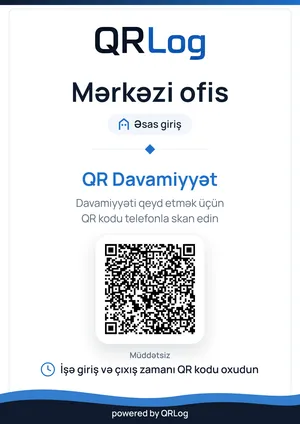
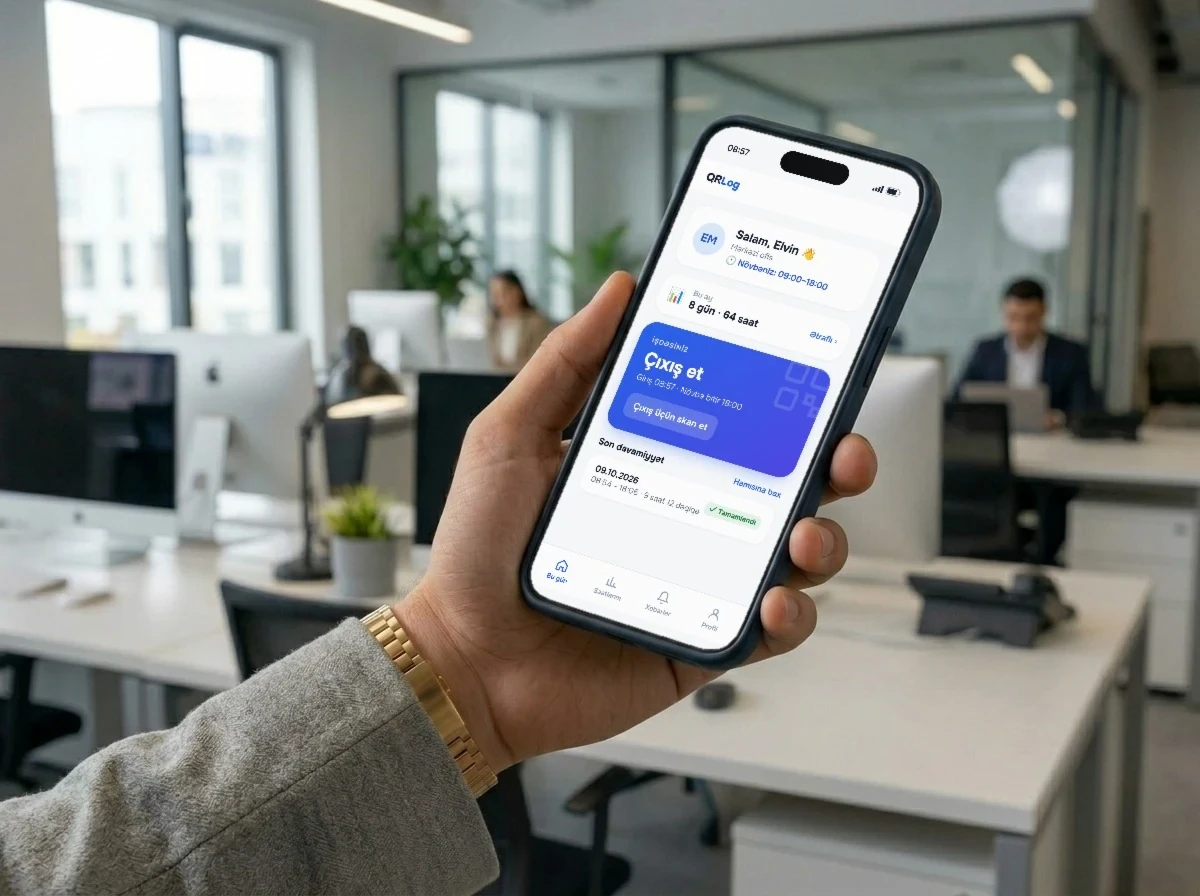
An employee scans the QR poster at their site with their own phone; the system checks the QR signature, the location, the device and the face, then records the check-in or check-out. No turnstiles, no fingerprint readers, no paper register.
 Head office
 Scan to check in and out
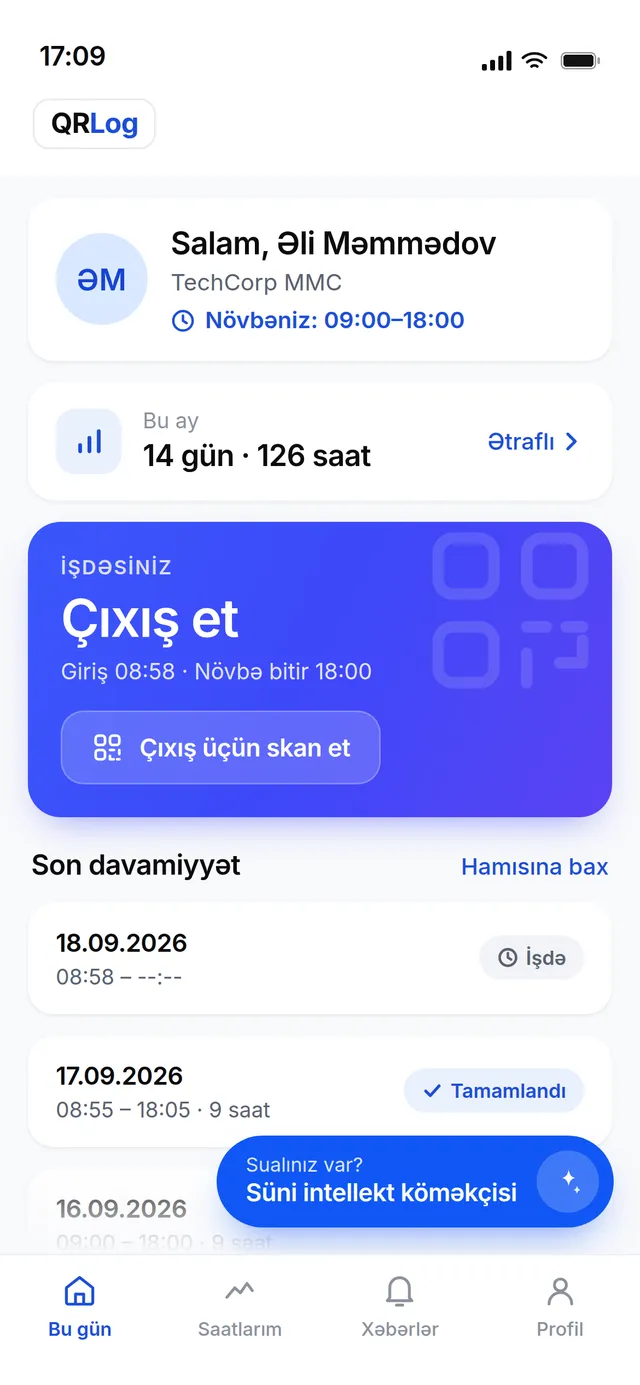
Scanned
Əli Məmmədov
Check-in, 08:58
Live status: active
Check-in recorded
08:58, Head office
TRUSTED PARTNERS




Paper logs, expensive terminals and attendance “on trust” — a separate headache at every site, every month.
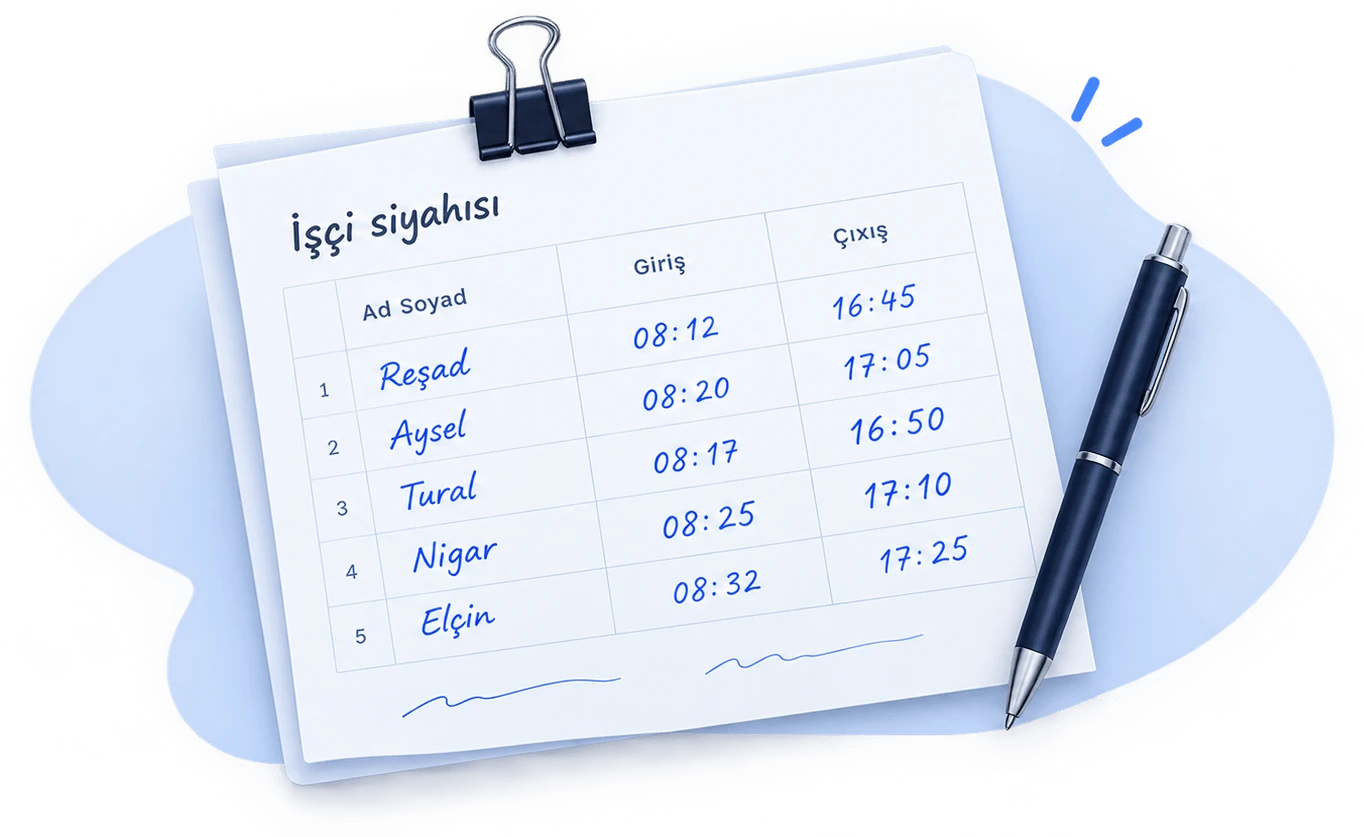
Weak control: open to fraud
One person can mark a whole crew as present. Who actually showed up is anyone’s guess — and pay depends on that record.
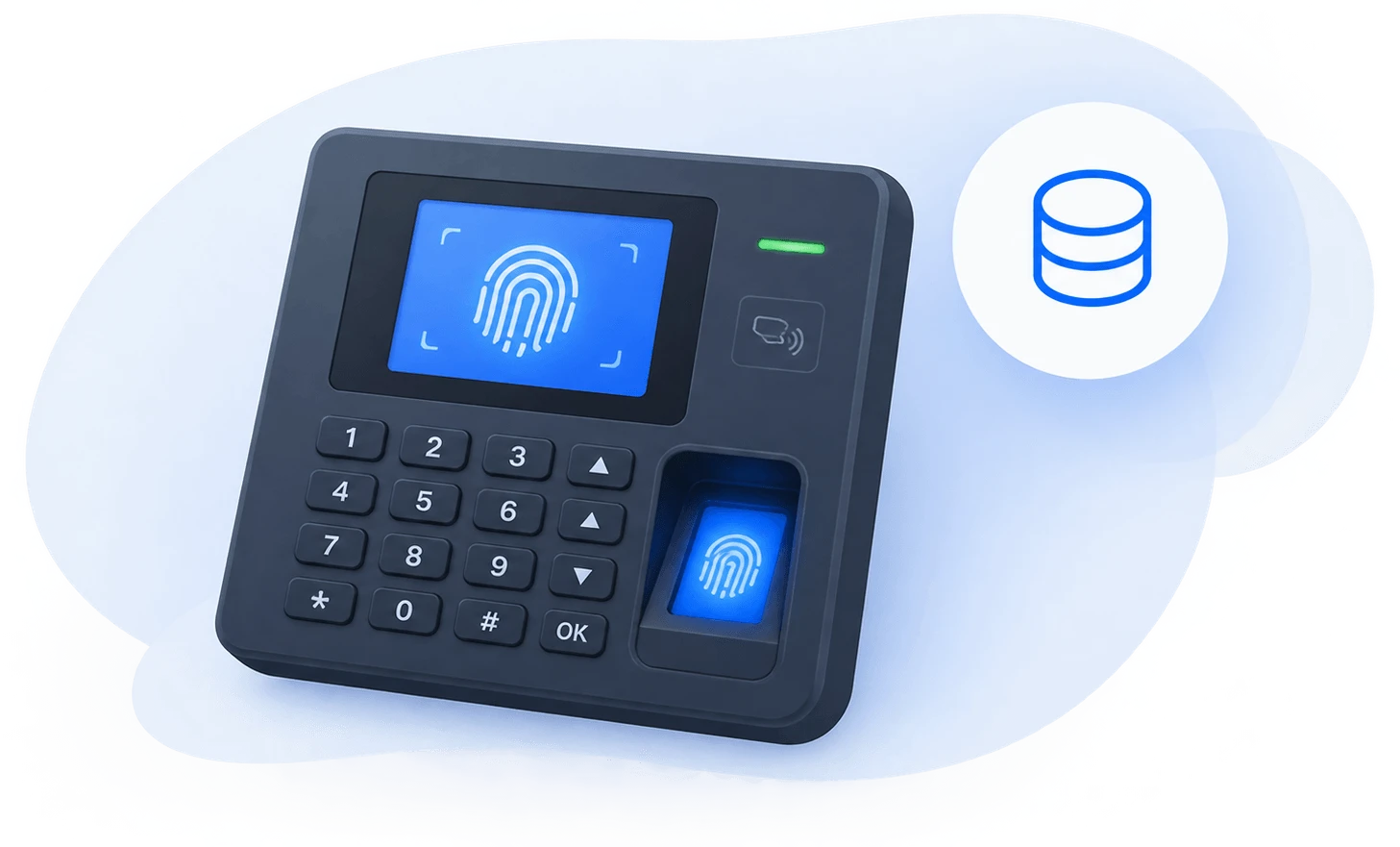
Extra cost: hardware and service
Turnstiles and fingerprint terminals are bought, mounted and break down separately for each location.

Time lost: hours every day
Paper logs and Excel timesheets eat hours; who is in and who is out only becomes clear at the end of the day.
Set it up once — it runs itself after that.
Each site gets one permanent printed QR poster on the wall. The code does not rotate, so the poster never needs reprinting.
0 ₼ hardwareOn arrival and departure, the employee scans the QR with their own phone. The QR signature, location, device and face are checked at once.
Check-ins land in the admin panel immediately. Filter by date, export to Excel, split by site.
instantWho arrived in the morning, what needs attention at noon, how the day closed in the evening. In the QRLog panel, each takes a single glance.
No calls, no logbook — the panel counts on its own and splits by branch.
İdarəetmə paneli
Bütün filiallar · canlı davamiyyət
İndi iş başında
48 47 nəfər
Cəmi 64 işçi · 3 filial
64
Ümumi işçi
47
İşdə
2
Qayıb
12
Həftəlik istirahət
Son fəaliyyət
bu gün
Leyla Kərimova giriş · Nərimanov 08:14
Rəşad Quliyev giriş · Mərkəz 08:15
Orxan Səfərov giriş · Mərkəz 08:13
Leyla Kərimova giriş · Nərimanov 08:14
Aysel Hüseynova giriş · Mərkəz 08:11
Orxan Səfərov giriş · Mərkəz 08:13
Tural Əliyev giriş · Xətai anbarı 08:09
Aysel Hüseynova giriş · Mərkəz 08:11
Screens from the QRLog panel (interface in Azerbaijani) · sample data
A check-in for someone else, from home or from a photo of the poster is either rejected or shows up flagged in the manager's panel. Checks start the moment the employee scans; the result is usually ready within seconds.
Əli Məmmədov
Check-in · 08:58 · Head office
Signed poster
Prevents: fake codes
The poster code is signed and tied to its branch: a fake code is rejected, and a code only works on its own branch's premises.
Device binding
Prevents: checking in for others
Each employee's account is bound to their phone. A check-in from a phone bound to someone else is rejected and listed under “Problemlər” with the owner's name.
GPS geofence
Prevents: checking in from home
A scan is accepted only within the branch's set radius. Checking in from home or on the way doesn't work.
Face check
Prevents: buddy punching
The check-in selfie is automatically compared with a reference photo. A scan on a friend's behalf reaches the manager flagged.
Sample data
If the photo fails or the face doesn't match, the employee isn't blocked — the check-in is recorded and the manager sees it in the panel. A scan outside the radius is rejected; a submitted one is listed under “Problemlər” with its reason.
The selfie is used only to confirm attendance and identity
Bugünkü davamiyyət · Baş ofis
Nümunə| İşçi | Status | Giriş | Çıxış | |
|---|---|---|---|---|
| Əli Məmmədov Tamamlayıb | Tamamlayıb | Giriş: 08:58 | 18:02 | |
| Rəşad Quliyev Uyğunsuz 41% | Uyğunsuz 41% | Giriş: 08:15 | 18:20 | |
| Nigar Həsənova Tamamlayıb | Tamamlayıb | Giriş: 08:41 oflayn | 17:55 | |
| Tural Əliyev Əl ilə daxil edilib · Sevinc Nəbiyeva Tamamlayıb | Tamamlayıb | Giriş: 09:00 | 18:00 |
All in one panel — no separate system for each job.
In numbers
From the QRLog database · October 2026
On sites, across branches or in one building — all run from the same panel.
On sites
Every check-in confirms the employee is inside the site's zone.
Multi-branch chains
Follow every branch's day from one place.
Offices and head-office buildings
A QRLog poster hangs at the entrance. Staff scan it with their own phone on the way in and out.
Each company's data is isolated, and everyone sees only their own.
All traffic goes over HTTPS; certificates renew automatically.
Every night a copy of the database goes to separate storage and is kept for 90 days. Restoring it is tested every week.
Every night a copy of the database goes to separate storage and is kept for 90 days. Restoring it is tested every week.
Employees see only their own attendance, managers their branches', admins the whole company's.
Pay per employee — every feature is included in every plan.
For small teams.
4 ₼ / employee / mo
For growing companies.
3.5 ₼ / employee / mo
For large teams.
3 ₼ / employee / mo
A tailored setup for large organisations.
Custom
All prices are monthly. Each location (site) adds 5 ₼/month. No hidden fees.
On Android, get it from Google Play. The App Store version is on its way — until then, QRLog runs on iPhone from the browser, just like an app.
 Coming soon App Store
 On iPhone — today
Didn't find your answer? Write to us and we'll help.
No. Employees use their own phones. No turnstile, fingerprint reader or terminal is needed — a printed QR poster on the wall is enough.
Every site has its own GPS coordinates and radius — by default, a scan from outside that area is not accepted. An employee's account is bound to their own phone, and a photo is taken at check-in and automatically compared with their reference photo — if they don't match, the manager sees it.
On Android, you can install the QRLog app from Google Play. On iPhone, no store is needed — it opens in the browser and can be added to the home screen like an app.
With a phone number and a 4-digit PIN. No email required. Employees can be imported from Excel in bulk — each one gets a temporary PIN and sets their own on first sign-in.
There is no limit. Each site has its own QR, location and schedule; management runs everything from one panel, while managers see only their own sites.
Yes. Reports by date range and site download as an Excel file in one click. Payroll lives in the same panel.