In short
A paper log looks simple, but it has hidden costs: lost time, mistakes in entries, information that arrives late. QR attendance removes these problems in five places.
The hidden cost of a paper log
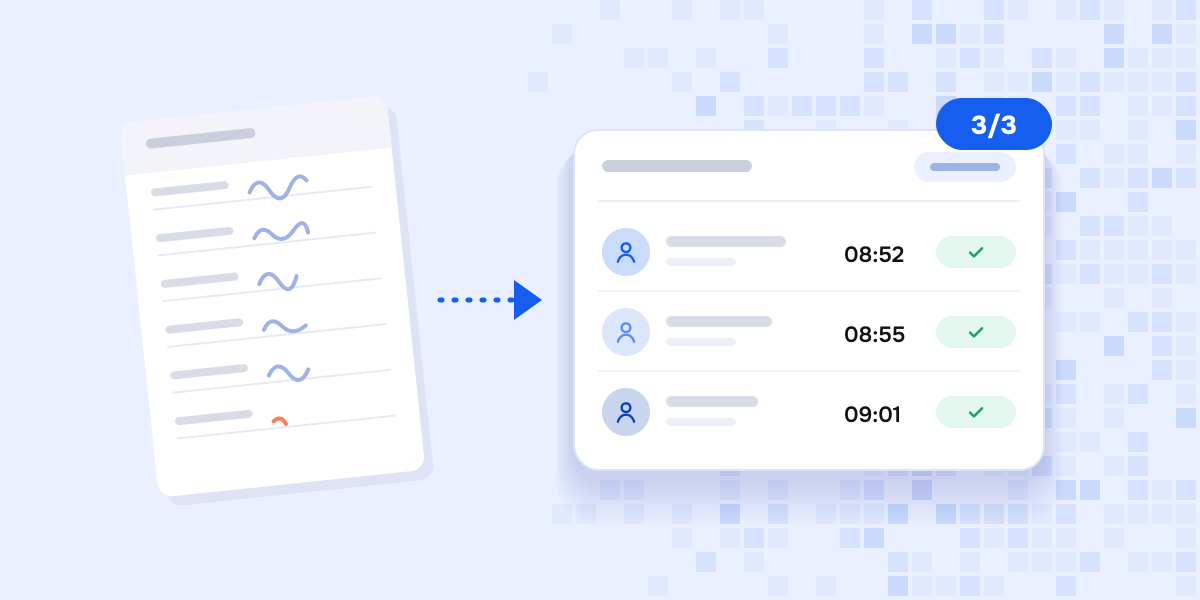
A log is cheap, but every day someone has to fill it in and check it, and at the end of the month copy the data into a computer. A wrong entry, a lost page or a “forgot to sign” is minor for a few employees. With hundreds of entries it becomes a real problem.
Here are five benefits of QR attendance.
1. Managers see who has arrived in real time
There is no need to wait until the end of the day. The “Today’s attendance” screen in the admin panel immediately shows who has arrived and who has not yet.
2. Fake entries get harder
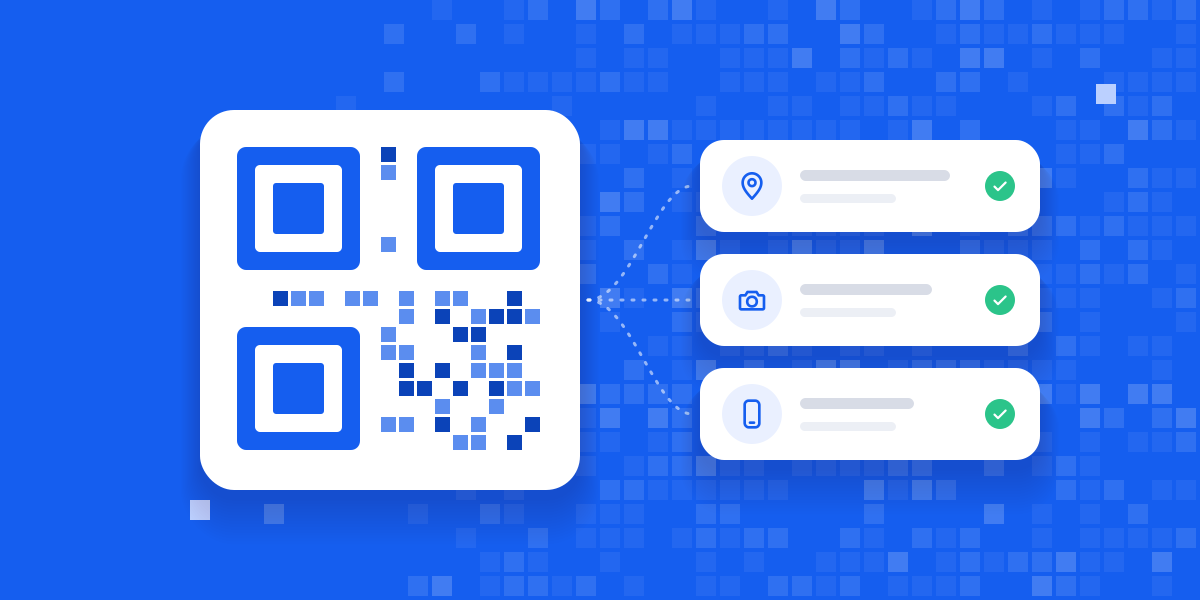
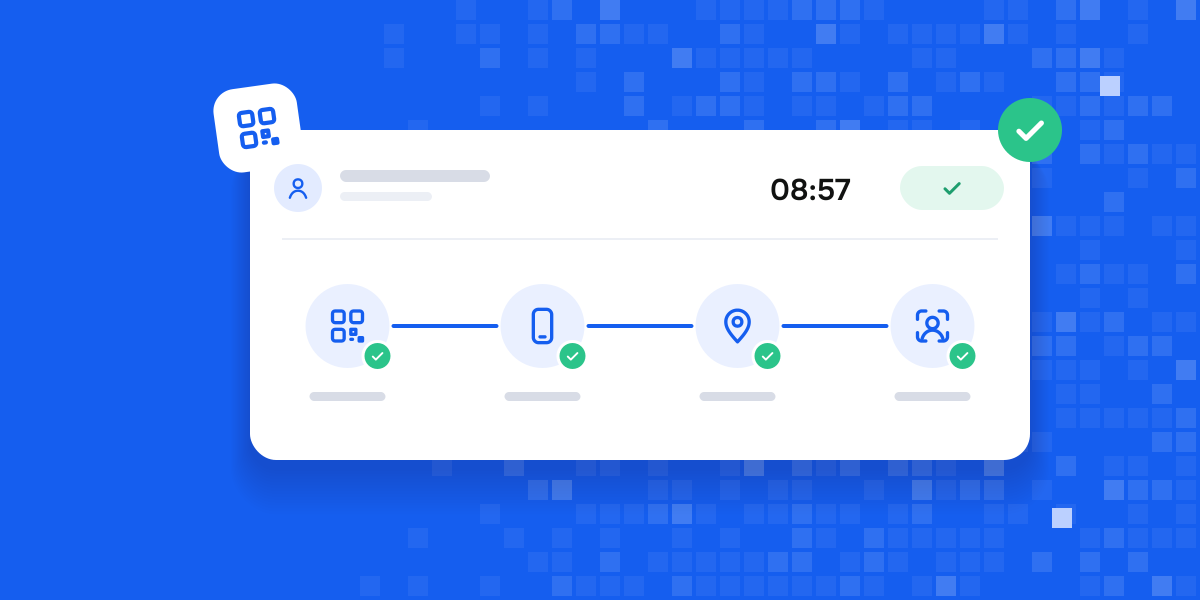
On a paper log, signing for someone else is easy. With QR, the QR signature, device, location and face are all checked at check-in. We have a separate article about these checks: “How to prevent fake check-ins”.
3. It works even with a weak connection
In a warehouse, a basement or a remote site, internet is not always available. QRLog has an offline mode: you can scan without a connection, and the record reaches the system when the connection is restored.
4. Corrections do not go unnoticed
If an employee’s phone is broken or a scan did not go through, the manager can enter the check-in manually. Next to such an entry you can see the “Entered manually” label and the name of the person who entered it. It is always clear who changed what.
5. Employees see their own data too
In the app, employees see their worked hours for the month, vacation days and days off. A notification also reminds them not to forget to check out. As a result, arguments like “I was here, but it is not recorded” become rarer.
A good attendance system catches mistakes, not people.
How to make the switch easy
The switch takes three simple steps:
- A QR poster is printed and put up at the workplace.
- Employees install the QRLog app on their phones.
- From the next day, check-in and check-out are recorded by scanning.
If you like, you can keep the paper log in parallel for the first week, just to feel confident about the new system.
How would QRLog work in your team?
Ask us on WhatsApp and we will reply.